
YOUR QUOTES, THE SAME REQUIREMENTS

Compare Shipping Container Purchase Quotes

Compare purchase quotes for an empty shipping container delivered to your site. Enter the amounts and scope from two or three written offers, then compare the complete acquisition cost. Unknown charges stay unresolved; prices already included are counted once. This worksheet does not search live prices or estimate cargo freight.

Compare my received quotes
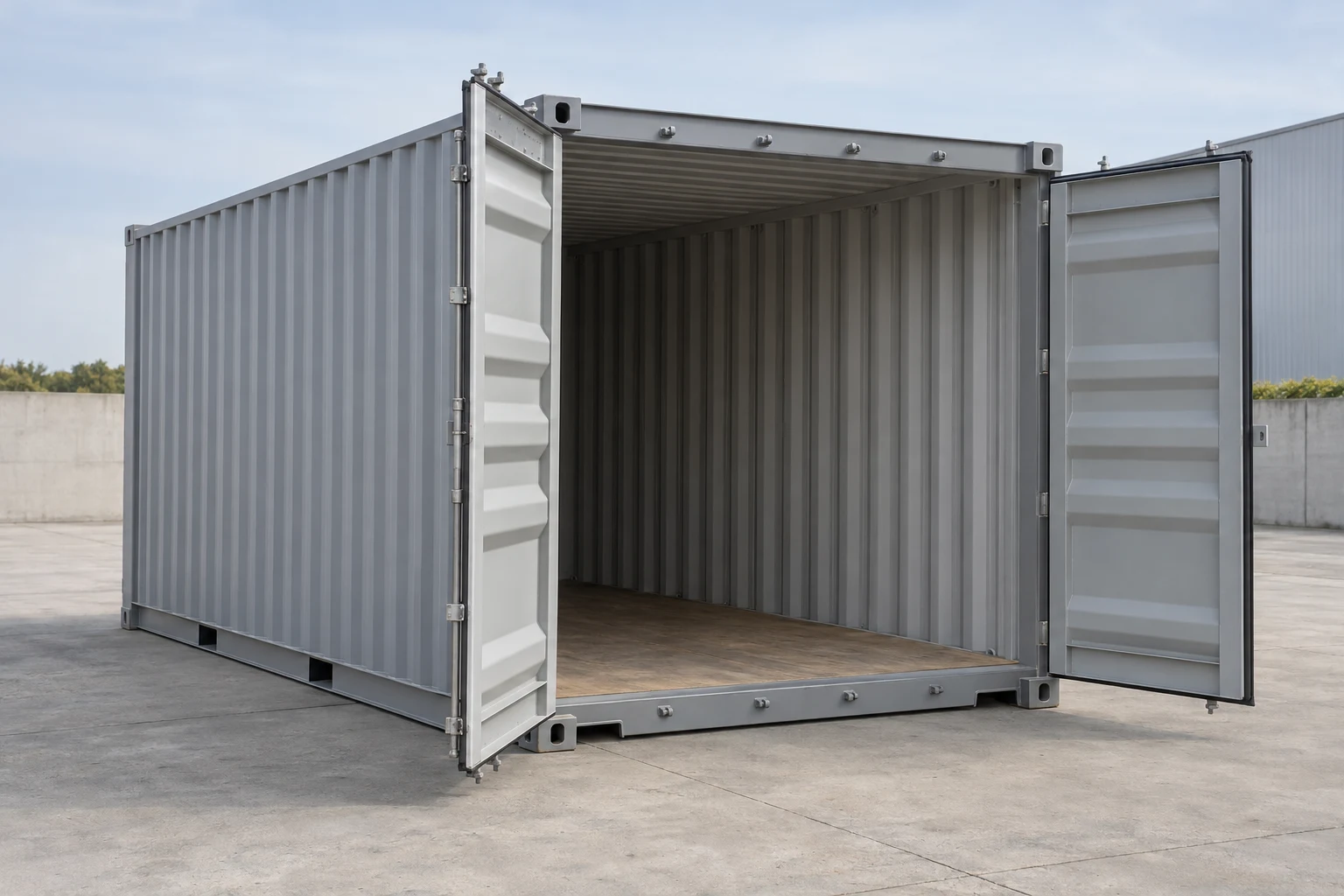
Illustration of a standard shipping container for a delivered purchase comparison
Concept illustration; compare the actual units and delivery terms in your written offers.
Compare
Two or three buyer-entered written offers
Account for
Quote, separate required work and selected conditional charges
Keep local
No automatic sending or contact fields
YOUR RECEIVED QUOTES

Find the lowest complete comparable total

Enter two or three written purchase quotes for an empty container delivered to your site. This is a local worksheet, not a live-price search or a cargo-freight estimator.

Local worksheet · no sending

Enter nonnegative amounts with up to two decimal places. Unknown is not zero. Use 0 only for an explicitly confirmed zero charge; mark an included charge as Included.

1. Set the shared requirement

Use anonymous site labels such as Site 1. Match the actual address in your written quotes; this worksheet does not need a name, email or street address.

Amounts are entered in each offer’s currency. Changing the comparison currency does not convert any money.

Then check each offer against its written scope. The copy button does not confirm suitability, dates or supplier identity.

2. Enter the offers

Offer A
Scope, unit selection and dates

Quoted amounts

Each line is for the same agreed scope. Included amounts are counted once. Choose Not required only when the charge is unnecessary for this offer.

Container / base service

Transport

Unloading and placement

Taxes and required fees

Required work in the seller quote

Work arranged separately

Required site work, repairs or other work you book outside the seller quote. Leave Unknown if any required part is still unpriced.

Required separately arranged work

Conditional charges and triggers

Record up to three charges. They stay outside the base total unless you select Apply. Use the same stated scenario for every offer.

Conditional charge 1
Conditional charge 2
Conditional charge 3
Payment and acceptance notes
Offer B
Scope, unit selection and dates

Quoted amounts

Each line is for the same agreed scope. Included amounts are counted once. Choose Not required only when the charge is unnecessary for this offer.

Container / base service

Transport

Unloading and placement

Taxes and required fees

Required work in the seller quote

Work arranged separately

Required site work, repairs or other work you book outside the seller quote. Leave Unknown if any required part is still unpriced.

Required separately arranged work

Conditional charges and triggers

Record up to three charges. They stay outside the base total unless you select Apply. Use the same stated scenario for every offer.

Conditional charge 1
Conditional charge 2
Conditional charge 3
Payment and acceptance notes

Check the same use, quantity, final site and service scope. An expired, incomplete or incompatible offer cannot win the complete-total comparison.

3. Read the comparison

Enter your quotes, then compare. No example prices are loaded by default.

Keep your worksheet

Copy or download the comparison, including unresolved amounts, dates, scope and conditional charges. Values remain in this page’s memory; the tool does not deliberately save them. Use Clear worksheet to erase entered values, and export if you want to keep a record.

Compare the complete outcome, not the lowest box price

Start with the same intended use, quantity, container condition and final site. Specify the delivery service you need, including unloading and placement. A lower-priced shell may need repairs or extra handling before it provides the storage you are buying.

For alternative purchases, sellers can dispatch from different locations. Enter the transport amount from each actual offer; compare delivery to the same final site with the same service. If you are comparing two quotes to move a container you already own, select that transaction and use the same pickup and destination references.

Read the seller quote and project total separately

The itemized seller-quote total includes the entered container or base service, transport, unloading, taxes, fees and work in that quote. The base acquisition or project total adds required work you arrange separately. An unknown required amount prevents a complete total; the known-items subtotal is only part of the budget.

Choose Included when one entered quote amount already covers another line. Identify the line that includes it. Choose Not required only when that charge is unnecessary for the offer and your agreed scope. If you enter the written quote total as a cross-check, the tool compares it with the itemized quote total without adding it again.

Conditional charges stay beside the base total. Apply a charge only to a stated shared scenario, using the full amount for that scenario. An applied charge with an unknown amount prevents a complete scenario total. An unapplied charge remains visible for your review.

Check the offer before relying on its rank

Confirm the quote date and validity, actual-unit or allocation terms, and suitability for the stated use. Differences in size, condition, quantity, currency, final site or placement service exclude an offer from the shared comparison. No currency conversion is performed.

An expired quote or unresolved supplier-identity concern also stays out of the ranking. A complete total is still your entered calculation; it does not verify a seller, reserve a unit or establish the lowest price in the market. Check supplier identity, current unit photos and written payment, acceptance and cancellation terms before paying.

Buying questions

Can an offer with an unknown delivery amount be the cheapest?

It cannot win the complete-total comparison while that required amount is unknown. The tool shows the known entered items, identifies unresolved amounts and leaves the complete total unranked.

Does delivery that includes unloading get counted twice?

No. Mark unloading as Included and identify Transport as the including line. When that transport amount is known, the tool records the inclusion without adding another unloading charge.

Are my entered quotes sent to suppliers?

This worksheet sends nothing and does not deliberately store your quotes. Values remain in the page’s memory; use Clear worksheet to erase them. You can copy or download your comparison. A separate quote-request page is a separate action with its own review and consent.

About this comparison

Prepared for ContainerPick. Comparison method reviewed October 10, 2026.

Reviewed scope: buyer-entered itemized amounts, included costs, required work, dates, comparable scopes and conditional-charge scenarios. The worksheet does not search live offers.

Fictional examples demonstrate calculations; they are not prices offered by ContainerPick. Dates beside price observations apply to the stated sample, not to current availability. Read our comparison method.